You've checked your Google Business Profile and everything looks finished. The name is there, the phone number works, and the address is correct. Yet a competitor with fewer services keeps appearing above you, while your phone stays quiet. That's the point where most owners start adding random photos, changing the description, or publishing posts without knowing which profile fields affect local visibility and which tasks are mostly filler.
The practical answer to how to optimize Google Business Profile starts with a different premise. Your profile isn't just a map listing. It's a structured source of business facts that Google uses for local rankings, direct actions, and increasingly conversational search experiences. For law firms, dental practices, roofers, and HVAC companies, the work is less about checking every box and more about making the business easy for both customers and answer engines to understand.
Table of Contents
- Why Your Google Business Profile Is Now Your Most Important Local Asset
- Claiming, Verifying, and Locking Down the Foundations
- Choosing Categories, Services, and Attributes That Match Real Search Intent
- Writing a Business Description and Visual Profile That Convert
- Building a Review Engine and a Google Posts Routine
- Tuning GBP for Law Firms, Dentists, Roofers, and HVAC Companies
- Citations, AI Search Visibility, and Tracking the Numbers
Why Your Google Business Profile Is Now Your Most Important Local Asset
A roofing company owner usually notices the change in one sudden burst. The listing starts appearing for nearby searches, the phone rings during the morning commute, and a homeowner requests directions without visiting the website first. A few days later, the owner sees bookings, calls, website visits, and direction requests recorded inside the profile itself.
That activity is why Google Business Profile has become a core local-search discipline. Google rebranded Google My Business as Google Business Profile in late 2021, and its own performance tools now track actions such as calls, website visits, direction requests, and bookings directly inside the profile. Google also explains that profile insights use public, location-based signals, including reviews, photos, and local search trends, as described in its official Business Profile performance guidance.
The profile sits between discovery and action
A customer searching for an emergency HVAC repair may never read an organic result. They can compare hours, services, reviews, photos, and the call button in Maps, then contact the company that answers the immediate question. The same pattern applies to a personal injury attorney, where practice-area clarity and review context may matter before someone is willing to complete an intake form.
Industry-compiled local-search data reports that about 88% of mobile local searches lead to a store visit within 24 hours, while 78% result in an offline purchase. The same source reports that 62% of consumers avoid businesses with incorrect online information, making accurate hours, categories, phone numbers, photos, and service details foundational rather than cosmetic. Those figures are compiled in Salesgenie's local SEO statistics guide.
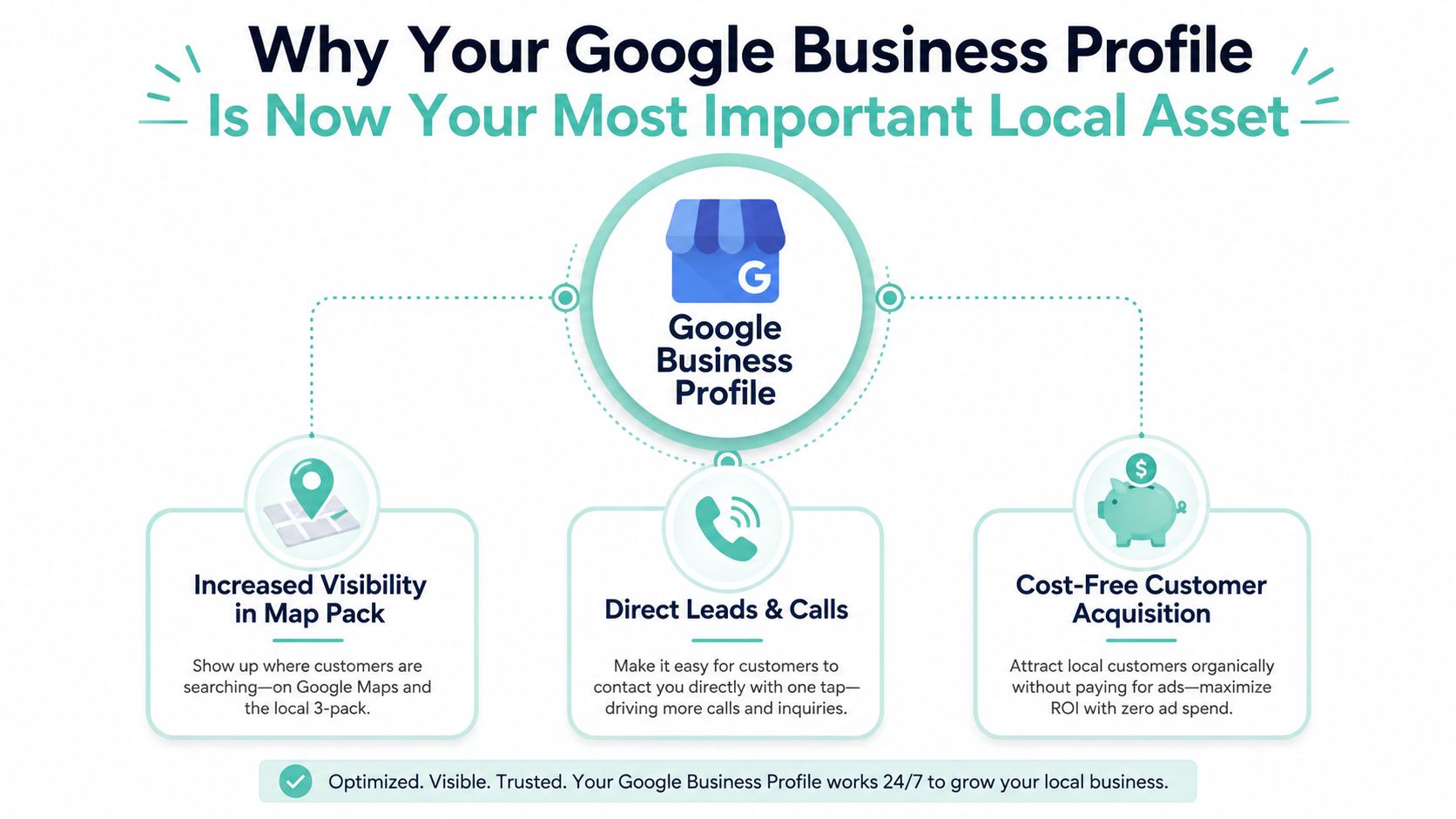
GBP can influence map-pack visibility, branded search presentation, Maps discovery, direct calls, booking paths, and the local information Google places alongside or above organic results. It can also supply facts to conversational systems that need to answer questions such as which dentist offers a particular treatment or which roofer serves a specific area.
Practical rule: Treat every profile field as an answer candidate. If a customer asks about it, make the answer explicit, accurate, and easy for Google to connect to the business.
The strongest local strategy therefore isn't “complete the listing and forget it.” It's answer-engine readiness. Category accuracy establishes what the business is. Services explain what it does. Reviews provide customer language. Photos confirm the experience. Posts and updates keep time-sensitive information current. For a broader look at the signals that shape Maps visibility, review Google Maps ranking factors. For additional practical setup ideas, LPagery's Google Business tips offers a useful companion resource.
Claiming, Verifying, and Locking Down the Foundations
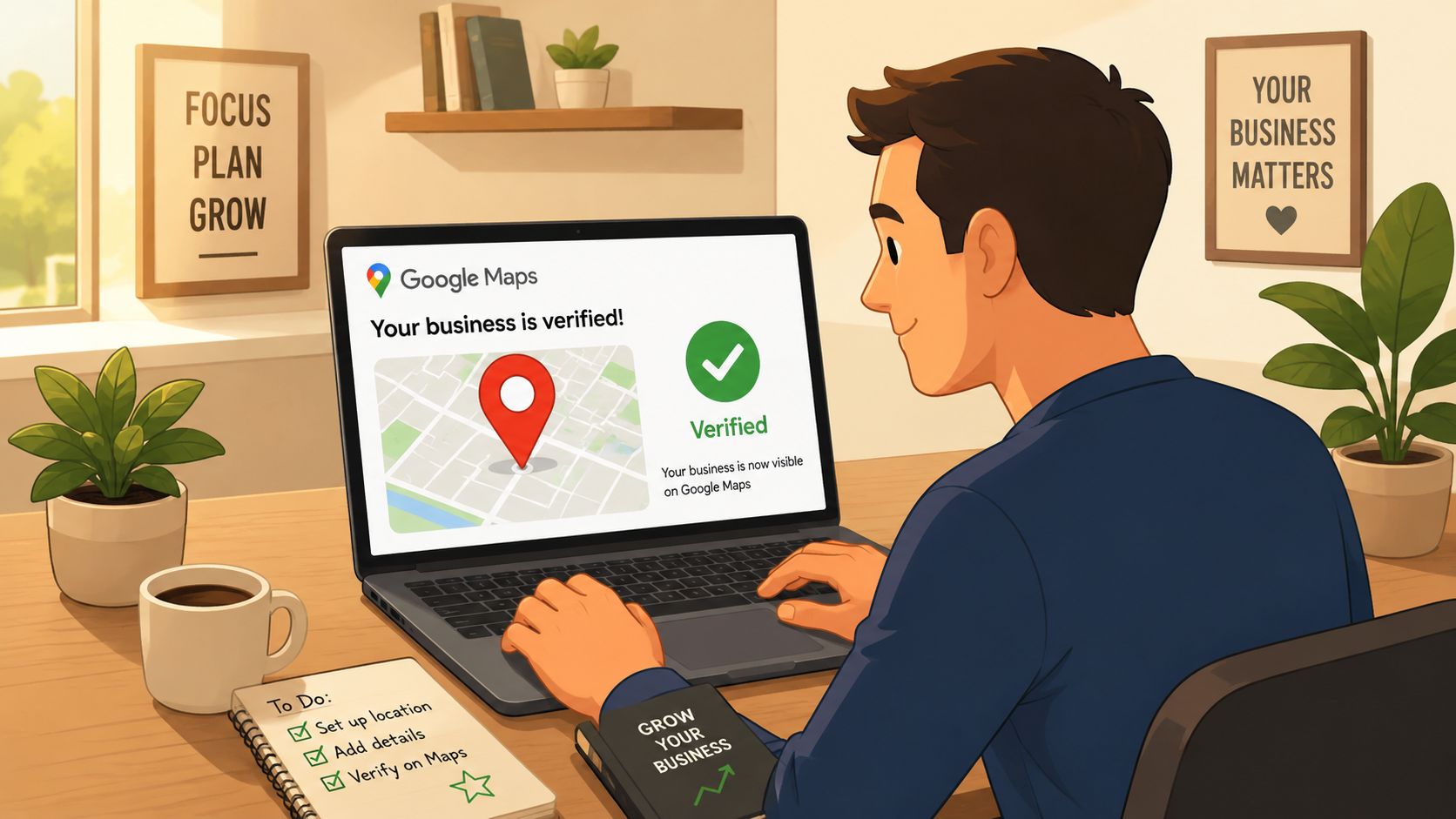
Optimization fails when ownership and identity are messy. Start by searching Google Maps for the business using its exact legal or publicly established name. If a listing already exists, claim it instead of creating another one. Duplicate profiles split customer activity, confuse Google, and create avoidable access problems. When duplicates exist, work toward claiming and merging the correct listings rather than casually deleting one.
Google may offer verification by postcard, phone, email, video, or an available Search Console shortcut. The option isn't always chosen by the business, and a postcard that never arrives doesn't mean the profile is permanently blocked. Check the address format, confirm that mail can reach the location, review the available alternatives in the Business Profile dashboard, and submit the requested evidence through Google's process. Google's verification guidance says review can take up to five business days, so verification isn't necessarily immediate even when the submission is correct. The timeframe is documented in Google verification guidance referenced by ApplauseHQ.
Fix identity before adding marketing content
Once ownership is confirmed, lock down the business's core identity:
- Name: Use the real-world business name. Don't add phrases such as “Best Dallas Personal Injury Lawyer” unless that wording is part of the public business name.
- Address: Match the website, citations, signage, and customer-facing records. Keep suite numbers, abbreviations, and formatting consistent.
- Phone: Use the number customers can reach. If call tracking is needed, implement it carefully so the primary profile number remains stable and recognizable.
- Hours: Add regular hours and maintain special hours before holidays, closures, and schedule changes.
- Website: Point the profile to a live, relevant page, not a temporary campaign URL that will later disappear.
A law firm or dental practice that receives clients at its office generally needs an accurate physical address. A roofer, HVAC technician, or mobile service company should use service-area settings when customers don't visit a staffed storefront. Don't publish a private home address as though it were a public office, and don't list cities the business doesn't serve.
Ownership is infrastructure. Give the business control through a durable company account, then assign staff and agencies the appropriate access. A profile tied to one departing employee is a future recovery project.
Use this guide to changing a Google Business Profile address when relocation or suite changes make the listing details inaccurate. Address changes deserve careful handling because they affect customer trust, verification, citations, and proximity signals at the same time.
Choosing Categories, Services, and Attributes That Match Real Search Intent
The primary category is where many local campaigns go wrong. Owners often choose a broad category because they believe it will attract more searches. In practice, a broad label can make the profile less relevant to the specific service a customer needs.
Google says local results are mainly based on relevance, distance, and prominence. It defines relevance as how well the profile matches the search, distance as how far the business is from the searcher, and prominence as how well-known the business is. The framework is summarized in Google Business Profile guidance compiled by Building Blocks Digital.
A 2025 grid-rank study found that proximity accounted for 55.2% of ranking variance, with review count at 19.2%, domain power at 5.9%, and semantic relevance in reviews at 5.3%. The findings appear in Search Atlas's analysis of GBP ranking factors. The implication is clear. You can't manipulate distance, so start with the most accurate primary category, build authentic reviews, and make service language specific.
Build the category structure around the actual business
Choose the most specific primary category the company qualifies for. A personal injury firm might use Personal Injury Attorney as its primary category, with Lawyer and Legal Services as supporting categories. A roofer might use Roofing Contractor, then add relevant secondary categories such as roof inspection or gutter cleaning when those services are offered.
Research competitors in the same search area, then compare their categories and service menus. Google Maps autocomplete can also reveal the language customers use, but autocomplete isn't a reason to add an inaccurate category. Relevance beats category volume.
| Business Type | Primary Category | Recommended Secondary Categories |
|---|---|---|
| Personal injury law firm | Personal Injury Attorney | Lawyer, Legal Services |
| Dental practice | Dentist | Cosmetic Dentist, Emergency Dental Service |
| Roofing company | Roofing Contractor | Roof Inspection, Gutter Cleaning |
| HVAC company | HVAC Contractor | Air Conditioning Repair Service, Heating Contractor |
Make services readable to people and machines
Give every meaningful service its own entry. “Water Heater Installation,” “Emergency AC Repair,” “Dental Implants,” and “Truck Accident Representation” are more useful than a vague entry called “Our Services.” Write short descriptions using the language customers use, then identify the service area naturally without stuffing city names into every sentence.
Attributes complete the intent picture. Add every truthful option available, including accessibility features, ownership attributes, LGBTQ+ friendliness, accepted payment details, appointment options, and service-area information. These fields can help customers filter choices before they call, while also giving Google clearer context about who the business serves and how it operates.
Writing a Business Description and Visual Profile That Convert
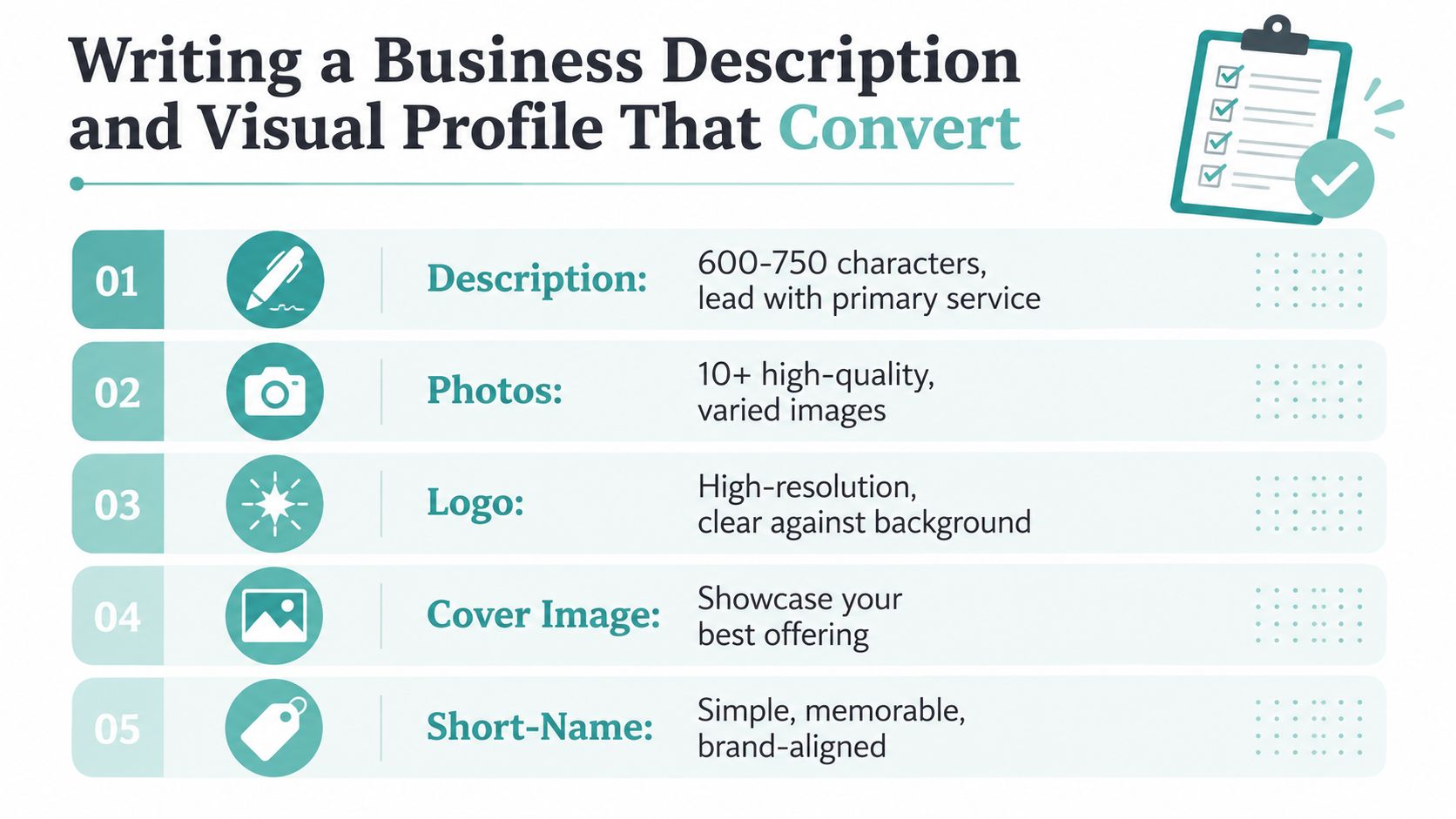
A profile description should answer three questions quickly: what the business does, where it works, and why a customer should trust it. Keep the description within 600 to 750 characters, opening with the primary service and city. Use the remaining space for legitimate trust markers such as experience, certifications, service coverage, and a direct next step.
Avoid slogans that could describe any competitor. “We're the best” says little. “Phoenix dental practice providing preventive care, emergency appointments, and dental implants for families across the East Valley” gives Google and customers something concrete to interpret. Don't turn the description into a keyword block, and don't add claims the business can't support.
Build a gallery that reduces uncertainty
Photos do conversion work when they answer the customer's private objections. A dental practice needs a clean exterior, welcoming reception area, treatment rooms, dentists, and staff. A roofer should show real crews, branded vehicles, materials, inspection work, and before-and-after projects. An HVAC company can show technicians, equipment, installations, and service vehicles. A law firm benefits from professional attorney portraits, the office, team members, and a credible client-facing environment.
Use a wide exterior image, clear interior photographs, a strong cover image, and real staff or work photos. Prepare the cover image at a 2120 by 1192 ratio so the composition survives Google's cropping. Add fresh images on a sustainable schedule rather than uploading a large batch once and abandoning the gallery. Video can also help service businesses show a technician at work or a short office walkthrough.
Connect the profile to measurable actions
Claim the short-name URL if it's available and keep it simple enough for branded sharing. Turn on messaging only when someone can monitor it reliably. Add an appointment link when the booking experience works on mobile and leads to a real confirmation. Use UTM parameters on the website link so Google Business Profile traffic can be separated in analytics from other visitors.
For businesses where photos carry much of the decision-making, Virtual Tour Easy's Google Maps with Photos strategy provides useful ideas for organizing visual content around customer confidence rather than decoration.
The profile should make the next action obvious. A customer looking for an emergency roofer needs a call path. A dental patient may prefer booking. A law firm may need an intake form and a phone number. Don't force every visitor through the website when Google already provides the action they want.
Building a Review Engine and a Google Posts Routine
Reviews and posts need separate operating systems. Reviews build a record of customer experience, while posts give the business a way to communicate current offers, services, events, and project updates. Neither works well when an owner remembers them only after a slow week.
Create a review request flow tied to the customer journey. Generate the short review link from the Business Profile manager, send a concise email soon after job completion, place a QR code on invoices or at checkout, and route incoming reviews into a staffed reply queue. The request should ask for honest feedback, not a particular rating or phrase.
Google's policies prohibit offering incentives in exchange for reviews. That includes payment, discounts, free goods, free services, or other rewards, whether the expected review is positive or negative, as explained in Google review policy guidance summarized by The HOTH.
Write responses that sound like the business
A response should acknowledge the actual service, thank the reviewer, and reinforce a relevant detail without turning into an advertisement. For example, a roofer can mention the inspection or repair process. A dentist can reference the appointment experience. A law firm should protect confidentiality and avoid discussing case details publicly.
Negative reviews need a calm response and an offline resolution route. Don't argue about facts in public, reveal personal information, or paste a defensive script. A simple acknowledgment, invitation to contact the office, and clear ownership of the next step is more credible.
If your team needs a repeatable process for sending direct review requests, use this Google review link guide to make the request path easier to share.
Match posts to commercial intent
| Post Type | Best Use | Cadence |
|---|---|---|
| What's New | Share completed work, staffing news, or service updates | Maintain a regular schedule |
| Offers | Promote a legitimate seasonal or service-specific offer | Publish when the offer is active |
| Events | Announce consultations, community events, or educational sessions | Publish before the event |
| Product-style posts | Showcase a treatment, repair, installation, or featured service | Rotate with other post types |
Law firms can publish practical updates about practice areas and intake availability. Dentists can highlight appointment pathways and treatments. Roofers can show storm-response work. HVAC companies can publish seasonal maintenance reminders. The common mistake is using every post to repeat “Call us today.” Give the customer a reason to act, then make the action button match the content.
Tuning GBP for Law Firms, Dentists, Roofers, and HVAC Companies
A profile shouldn't be optimized from a universal checklist because each vertical has a different decision process. A law firm is selling confidence and relevance to a sensitive problem. A dentist is reducing anxiety and appointment friction. A roofer is proving local availability and workmanship. An HVAC company is often competing on urgency, response time, and technical fit.
| Vertical | Priority Categories | Must-Use Attributes | Key Signals |
|---|---|---|---|
| Law firm | Personal Injury Attorney, Family Law Attorney, or the most accurate practice-area category | Accessibility, languages, appointment or contact options | Practice-area clarity, geography, detailed reviews |
| Dental practice | Dentist, Cosmetic Dentist, Emergency Dental Service when applicable | Accessibility, accepted insurance or payment details, appointment options | Doctor identity, treatments, booking convenience |
| Roofing company | Roofing Contractor, Roof Inspection when applicable | Service-area details, emergency availability where truthful | Before-and-after work, city coverage, service specificity |
| HVAC company | HVAC Contractor, Air Conditioning Repair Service, Heating Contractor | Emergency availability, equipment or manufacturer details where available | Repair versus installation clarity, technician proof, seasonal relevance |
Law firms need precise practice-area language
A personal injury firm should name case types it handles, such as vehicle collisions, workplace injuries, or premises liability, where those services are offered. The profile shouldn't imply geographic coverage that the firm can't support. Professional headshots and an accurate office setting help customers understand who will handle the intake.
Dental practices should reduce booking friction
Dental profiles benefit from complete treatment services, dentist headshots, clear office photos, appointment links, and truthful information about accepted insurance or payment options. A patient searching for dental implants has a different intent from someone looking for an emergency appointment, so one generic services entry leaves useful relevance on the table.
Roofers and HVAC companies must prove operational reality
Roofers should prioritize service-area accuracy, emergency repair information, crew and project photos, and clear entries for inspections, repairs, replacements, and gutters. HVAC companies should distinguish repair from installation, identify relevant heating and cooling services, and publish seasonal content only when the team can fulfill the demand.
The safest fields to ignore are the ones the business can't verify or maintain. An attribute that looks attractive but is untrue creates customer disappointment and weakens trust. A complete profile is useful, but accurate specificity is what makes it competitive.
Citations, AI Search Visibility, and Tracking the Numbers
“Set it and forget it” is a poor GBP strategy. Google can receive suggested edits, customer changes, new reviews, and fresh business information while the owner is busy running jobs. A profile that was accurate at launch can become misleading later, and answer engines can repeat whatever information they can find.
Audit citations across the directories that matter in your market. The exact list depends on the industry and location, but every important listing should agree on business name, address, phone, hours, website, and service-area details. Fix mismatches at the source instead of creating more duplicate profiles.
Make the profile machine-readable
AI-driven local search makes structured clarity more valuable. Google's AI experiences can surface businesses in broader conversational results, and recent coverage reports AI Overviews appearing in about 40% of local searches as of May 2025 and another report measuring 68% in March 2026. These figures come from different studies and periods, so they shouldn't be treated as a single stable benchmark. The trend is the important part, and Local Falcon's AI local-search coverage documents the shift.
The profile should state services plainly, maintain current reviews, and align with the website and citations. Answer systems need enough consistent information to identify the entity, connect it to a location, and understand the specific problem it solves. Ask Maps has also changed how businesses handle customer questions, so pre-answer high-intent concerns through services, attributes, posts, website content, and review themes rather than relying on a retired Q&A workflow. Bluetone Media's discussion of GBP FAQs and Ask Maps provides context for that change.
Tie each metric to a decision
Google Business Profile performance tools track calls, website visits, direction requests, and bookings. Use those actions as operating data, not vanity numbers. Compare them with call records, form submissions, booking records, and local-pack rank checks so you can identify whether a profile change produced a real business result.
| Metric | Source | What It Signals | Target |
|---|---|---|---|
| Calls | Business Profile performance tools and call records | Immediate service intent and response demand | Establish a baseline, then improve qualified call quality |
| Website visits | Business Profile performance tools and analytics | Interest that continues beyond Google | Compare profile traffic with form and phone conversions |
| Direction requests | Business Profile performance tools | Physical-visit intent | Keep location and hours accurate |
| Bookings | Profile booking data and scheduling platform | Frictionless appointment intent | Test whether the booking path works end to end |
| Review themes | Business Profile reviews | Repeated customer experience signals | Encourage detailed, authentic feedback |
| Local-pack visibility | Local rank tracker | Relevance, distance, and prominence movement | Monitor the same locations and queries consistently |
A complete 2026 industry benchmark summary reports that complete profiles generate about 2.1 times as many customer actions as incomplete listings, while profiles with booking or appointment links see roughly 27% higher conversion from profile traffic. It also estimates that about 4% to 7% of profile viewers click through to a website, 3% to 5% request directions, and booking actions convert at 2% to 4% on average. These figures are from the benchmark summary published by New Media, so use them as directional benchmarks rather than promises for a specific market.
Review the profile weekly for obvious errors, unanswered reviews, broken booking paths, and new customer questions. Review performance monthly, then connect changes to specific actions, such as correcting a category, adding a service, improving the call path, or repairing citation inconsistencies. If the business needs help connecting GBP work to website structure, local SEO, AEO, and lead tracking, Digital Skyrocket offers website design, technical SEO, answer engine optimization, reputation management, and conversion-focused reporting for service businesses.
Digital Skyrocket helps law firms, dentists, roofers, HVAC companies, and other service businesses turn Google Business Profile visibility into qualified calls, bookings, and form submissions through local SEO, AEO, reputation management, and lead-generating website work. Visit Digital Skyrocket to request a fit meeting and see whether its approach is suitable for your market outside Texas.