The most feature-rich platform doesn't automatically produce the best SEO report. A dashboard becomes useful only when it answers the client's actual question, whether that's “Are we getting more qualified calls?”, “Which locations are visible?”, or “Why did rankings change?”
Agencies need to match the reporting layer to the audience, data sources, campaign type, and amount of explanation required. A local service business may need a clear view of map visibility, organic sessions, calls, form submissions, and qualified leads. An SEO team may need backlink context, competitor research, technical findings, and granular rank tracking. An executive may need fewer metrics and a direct connection to revenue activity.
This comparison evaluates setup effort, white-label delivery, SEO depth, local visibility, rank-tracking accuracy, blended lead metrics, scalability, and practical limitations. The goal isn't to find one universal winner. It's to identify which reporting job each tool performs best, then build a workflow that connects rankings and organic traffic with lead activity instead of presenting a generic KPI dump.
That distinction matters because SEO is a lagging channel. Ranking changes can appear before traffic changes, and traffic can rise without producing better inquiries. A useful dashboard brings those signals together so an agency can explain what changed, what it means, and what the client should do next.
Table of Contents
- 1. Looker Studio Google
- 2. AgencyAnalytics
- 3. Databox
- 4. DashThis
- 5. Whatagraph
- 6. Semrush My Reports and Projects
- 7. Ahrefs
- 8. SE Ranking
- 9. AccuRanker
- 10. BrightLocal
- Top 10 SEO Reporting Dashboards Comparison
- Choose the Reporting Layer That Matches the Work
1. Looker Studio Google
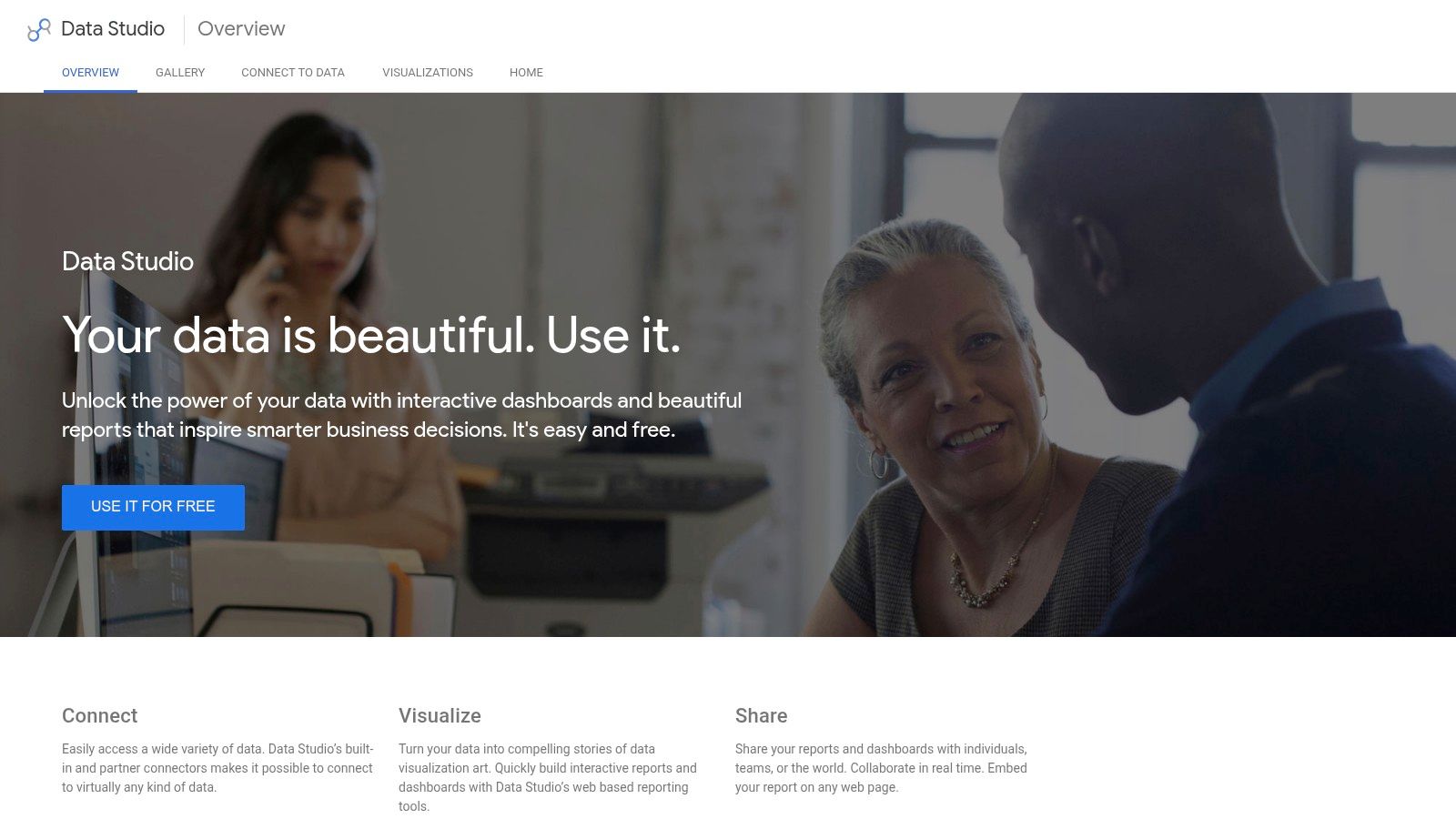
Looker Studio is the strongest starting point when an agency needs flexible data assembly rather than a fixed reporting workflow. Its native Google connectors bring together Google Analytics 4, Google Search Console, Google Ads, and other Google marketing data, while partner connectors can add CRM, call tracking, SEO research, and business intelligence sources.
That flexibility is its main advantage and its main trap. A carefully designed report can show rankings, impressions, clicks, CTR, organic sessions, landing-page performance, and lead activity in one client view. A poorly governed report becomes a collection of charts with inconsistent filters, unclear definitions, and slow loading when too many data sources or complex calculations are added.
Google's connector documentation says Search Console, Google Analytics, Google Ads, Campaign Manager 360, and YouTube Analytics connectors refresh every 12 hours, and that the refresh interval can't be changed, as explained in Google's data freshness documentation. That makes Looker Studio suitable for recurring performance reporting, but not for clients expecting minute-by-minute operational monitoring.
Best reporting job
Use Looker Studio when the agency needs to assemble a dashboard from several systems. It works especially well when the reporting team owns metric definitions and can maintain reusable templates.
The core product has no license fee, but partner connectors may introduce separate costs. Looker Studio Pro adds enterprise administration, collaboration controls, and service-level features, which matter more for larger teams than for a small agency delivering monthly reports.
Practical rule: Build the executive page first. Put diagnostic detail on separate pages so the client sees decisions, not every available field.
2. AgencyAnalytics
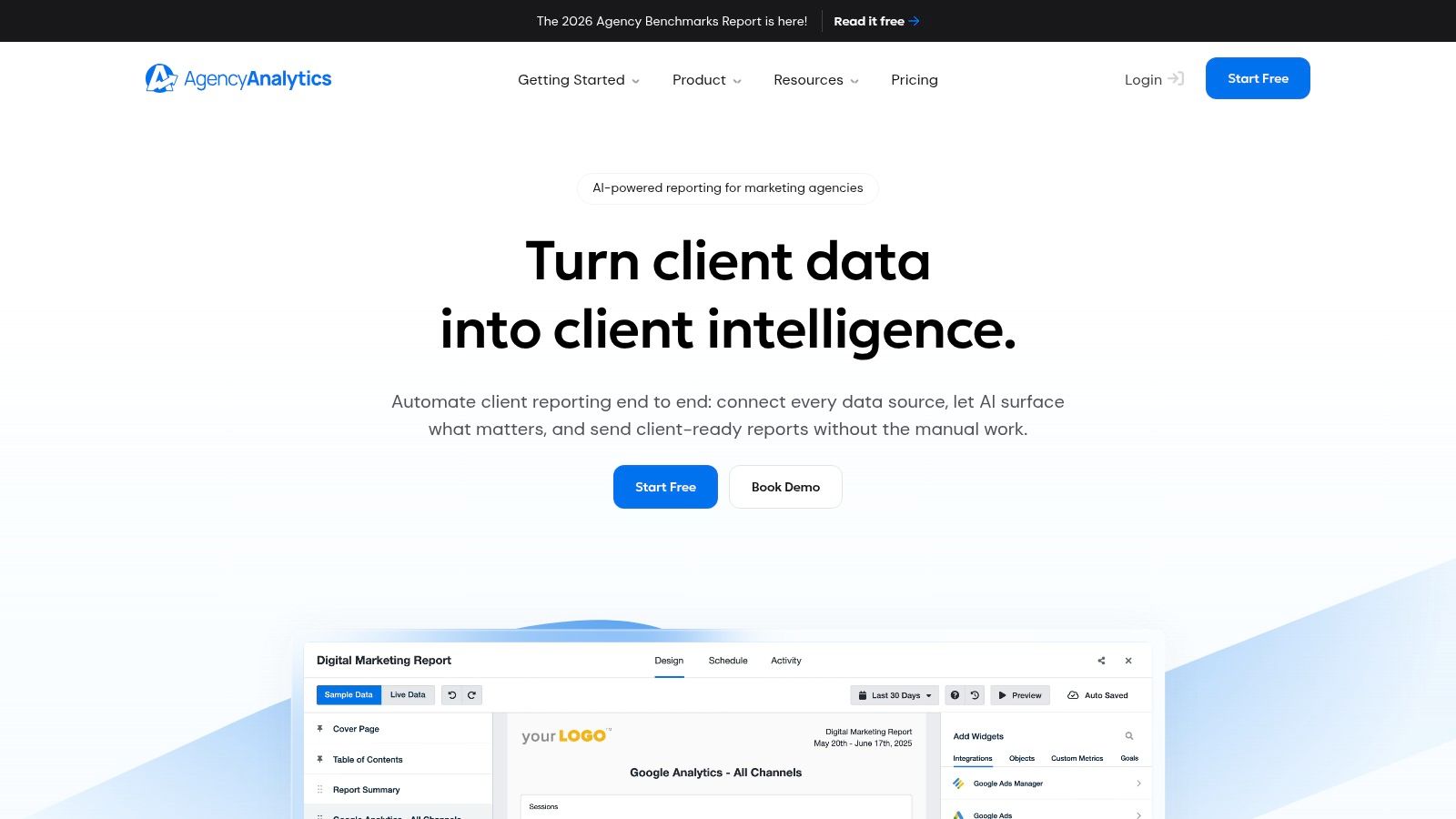
AgencyAnalytics is designed around agency delivery, so its value appears after the data has already been selected. It combines rankings, Google Business Profile, Google Analytics 4, Search Console, call tracking, and other marketing sources in a client portal with white-label controls, scheduled reports, folders, roles, and client access.
That makes it a practical choice for agencies that want one login and one branded destination for recurring client updates. A service-business client usually doesn't want to learn the difference between a Search Console query and an Analytics landing page. They want to know whether visibility is improving, whether visitors are contacting the business, and which work deserves attention next.
Where it fits in an agency workflow
AgencyAnalytics is strongest during report production and client presentation. Teams can create a standard dashboard, adjust it for each client, schedule delivery, and give clients a consistent portal experience without building every visualization from scratch.
Its rank tracking and Google Business Profile coverage support local campaigns, while call tracking helps bridge the gap between organic visibility and actual inquiries. Agencies can use a lead section that separates organic sessions from calls and forms, then add qualification fields from their CRM where the connector supports them.
The trade-off is SEO research depth. Teams investigating backlink gaps, competitor keyword opportunities, or detailed content-market changes will still benefit from pairing it with Ahrefs or Semrush. Plan sizing and add-ons also deserve attention as the client base expands, because a convenient per-client workflow can become expensive when every account needs additional monitoring.
Clients usually understand a short scorecard faster than a dense research export. Use AgencyAnalytics to explain performance, not to replace the research tools behind the strategy.
3. Databox
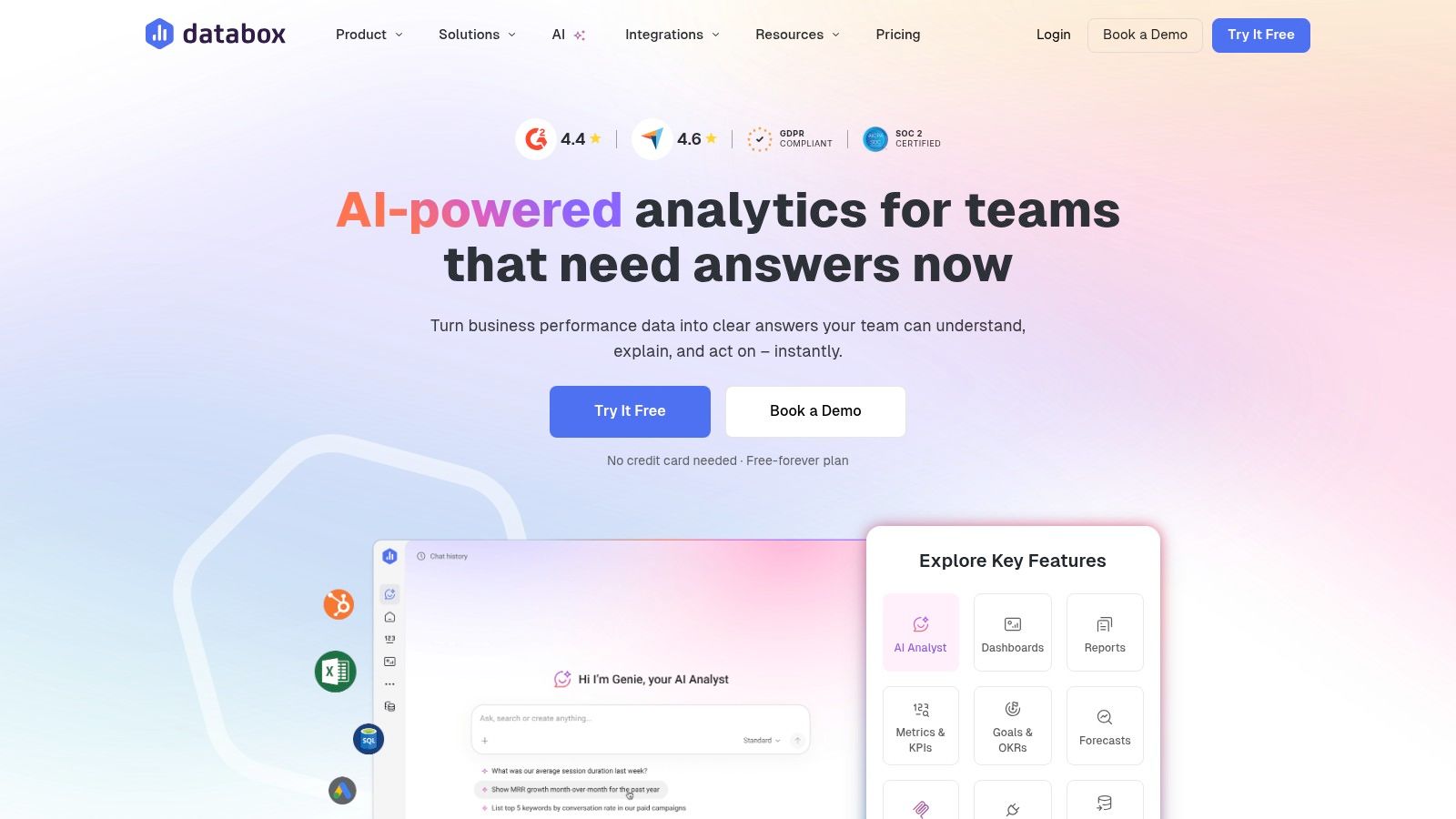
Databox works best as a blended business reporting layer. Its connector-rich environment can bring SEO data together with analytics, CRM activity, goals, alerts, and other marketing inputs. The result is less SEO-specialized than a research suite, but often more useful for an executive who cares about pipeline and lead quality.
An SEO agency can create a board showing organic traffic alongside Search Console clicks, tracked calls, form submissions, CRM stages, and revenue fields. That doesn't make attribution perfect. It does give the team a place to document how organic activity relates to the client's sales process, provided the source systems use consistent campaign and channel definitions.
Why blended metrics matter
Rankings are useful as an early signal, but they aren't the business outcome. A keyword can move upward without attracting qualified visitors, and organic traffic can increase while sales activity remains flat. Databox is well suited to showing those relationships without forcing the client to move between several platforms.
Its templates, KPI scorecards, alerts, scheduled digests, and shareable dashboards reduce the work involved in creating executive views. AI summaries may help teams identify notable changes, but they shouldn't replace human interpretation. A summary can flag movement. It can't reliably explain whether a change came from seasonality, a technical deployment, a SERP feature, tracking changes, or a shift in branded demand.
The cost structure can become more complicated as agencies add sources and optional capabilities. Databox is also less focused on SEO research than Semrush or Ahrefs, so it's better treated as a reporting and decision layer than as the place where the SEO team performs competitive diagnosis.
A strong Databox board asks one question per group of metrics:
- Visibility: Are priority pages and queries being seen?
- Engagement: Are impressions becoming meaningful clicks?
- Lead activity: Are organic visitors calling, submitting forms, or entering the CRM?
- Business value: Are those leads progressing toward qualified opportunities?
4. DashThis
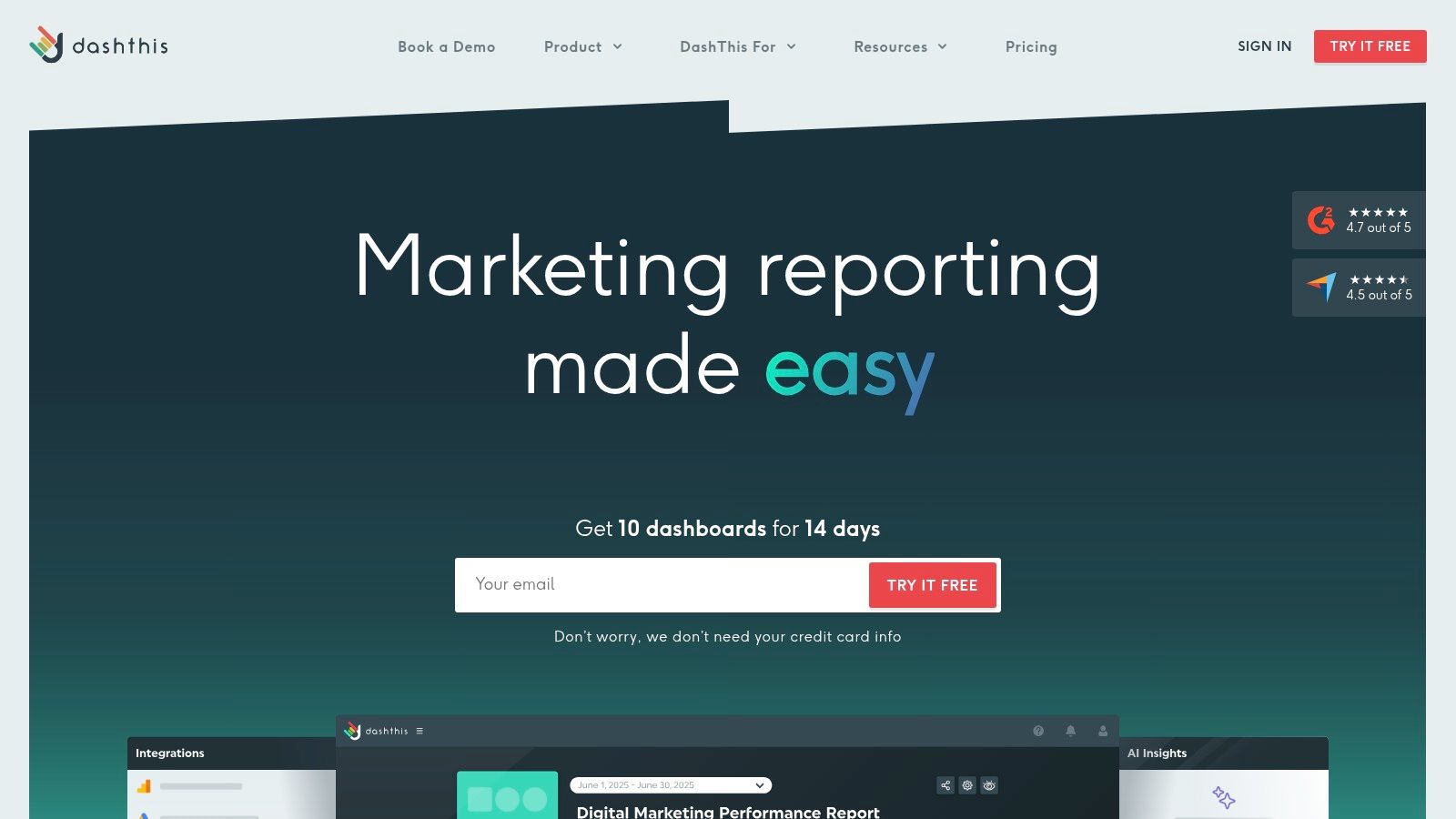
DashThis is a good fit when an agency values predictable dashboard delivery and quick client rollouts over deep SEO investigation. Its dashboard-based pricing, unlimited users, integrations across plans, scheduling, white-label reports, custom domains, and automated insight blocks make it easy to standardize monthly reporting.
The platform's simplicity is intentional. An agency can connect Google Analytics 4, Search Console, Google Business Profile, and other sources, then produce a clean report without asking a strategist to build a custom data model for every client. That helps teams protect production time and maintain a consistent reporting rhythm.
The trade-off between speed and depth
DashThis performs the monthly reporting job well. It's especially useful when clients need a polished summary with a small set of agreed metrics, a short explanation of movement, and scheduled delivery. Unlimited users also make collaboration easier when account managers, strategists, and clients all need access.
It's less suitable as the agency's primary SEO diagnostic environment. Detailed backlink analysis, keyword-gap research, competitor investigation, and technical troubleshooting require a separate research suite. The integrations catalog is also smaller than some broader dashboard platforms, so teams should confirm that their call tracking, CRM, and local SEO sources fit the intended workflow before committing.
The flat pricing model can make forecasting easier because the number of dashboards, rather than the number of users, drives the structure. Still, agencies should model growth around the actual number of client dashboards and data connections. A tool that is inexpensive for a small portfolio may require a different plan as reporting complexity expands.
Use DashThis when the client needs clarity, consistency, and scheduled presentation. Don't use it as a substitute for the analysis that explains why the numbers changed.
5. Whatagraph
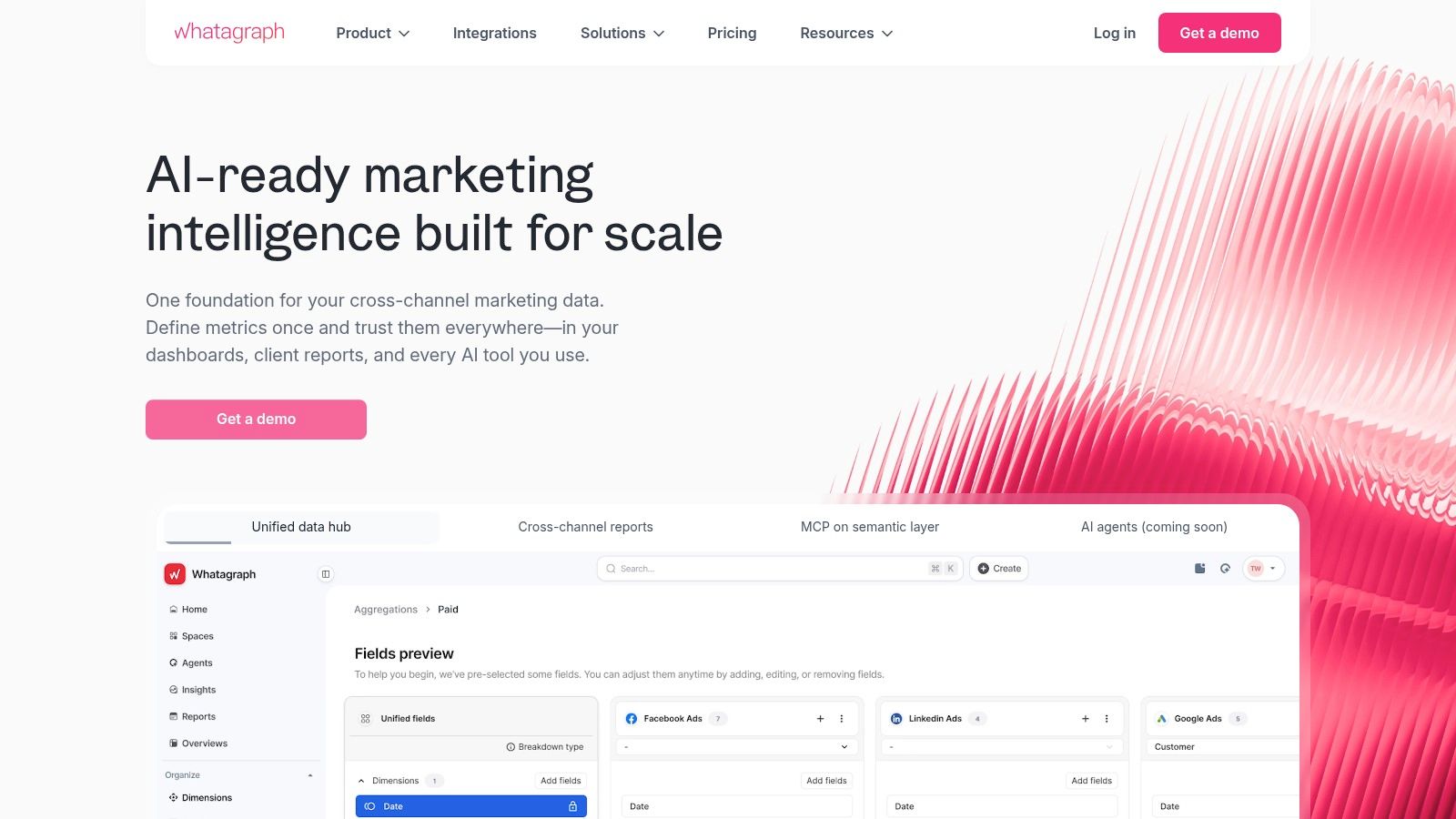
Whatagraph is built for agencies that need executive-ready presentation with low formatting effort. Its cross-channel templates, scheduled automation, collaboration features, and white-label options help turn data from Google Analytics 4, Search Console, and other sources into reports that look finished without extensive design work.
That matters when an account team spends too much time correcting layouts, rebuilding monthly slides, or adapting the same data for different stakeholders. Whatagraph can reduce that production burden, particularly when the client wants SEO shown alongside other marketing activity.
Presentation is not interpretation
The platform's strongest role is report assembly and delivery. A polished layout can make a meeting easier because the client sees a clear hierarchy of outcomes, supporting signals, and next actions. It can also help agencies keep reporting consistent across service lines and accounts.
The weakness is granularity. Whatagraph isn't a replacement for a dedicated SEO research suite when the team needs to investigate backlink quality, keyword gaps, competitor movements, or detailed technical findings. Pricing and plan limits also depend on data sources and integrations, so the agency should map the intended dashboard architecture before choosing a tier.
A good Whatagraph report should lead with the business result, then explain the SEO signals behind it. For example, an agency might show organic lead activity first, followed by impressions, clicks, CTR, landing-page trends, and ranking movement. That sequence prevents the report from implying that a ranking change automatically equals commercial success.
The platform is best for clients who value a professional recurring report and for agencies that want to spend more meeting time on recommendations than on document production.
6. Semrush My Reports and Projects
Semrush is the better choice when the report must include research context, not just performance trends. Projects and My Reports can combine Semrush data with Google Analytics 4 and Search Console, allowing agencies to place ranking movement, site health, competitor findings, and search visibility in a single branded reporting workflow.
That connection is valuable during client conversations about cause and action. A ranking decline becomes more useful when the strategist can investigate competing pages, technical warnings, content changes, or keyword distribution in the same operating environment.
Best for SEO-led reporting
Semrush is particularly strong for agencies that already use its keyword databases, competitive analysis, Position Tracking, and Site Audit workflows. Templates can reduce repeated setup, while scheduled delivery helps turn research outputs into recurring client updates.
The reporting layer shouldn't be treated as automatically equivalent to a full client portal. White-label and advanced reporting capabilities may be packaged as add-ons, and agencies need to verify current scope, account limits, and costs against their delivery model. A team that only needs a few simple scorecards may be paying for research capacity it won't use.
For lead-generation accounts, the most useful Semrush report usually has two layers. The first explains commercial performance through organic traffic, calls, forms, and qualified lead activity. The second explains the SEO mechanisms behind those outcomes, including priority rankings, competitors, technical issues, and content opportunities.
Agencies that combine SEO reporting with conversion work can also connect the dashboard to a broader SEO and conversion optimization process, where ranking gains are judged by the quality of inquiries they help generate.
Use Semrush when the client asks, “What happened, and what should we investigate?” Choose another layer when the main requirement is a simple, highly polished portal.
7. Ahrefs
Ahrefs earns its place when reporting depends on backlink intelligence, competitor research, and technical context. Its project dashboards can summarize Rank Tracker and Site Audit information, while scheduled reports and shareable views keep clients informed about recurring SEO activity.
The platform is especially useful when a ranking change can't be explained by position data alone. An agency may need to examine competitors entering the results, lost or newly acquired links, content gaps, or technical issues affecting important pages. Ahrefs provides the research environment needed to turn a dashboard observation into a defensible recommendation.
Strong research, lighter client delivery
Ahrefs is not primarily a complete client-portal product. Its reporting and sharing capabilities can support client communication, but agencies that need extensive white-label control, folders, role management, or a branded account center may prefer to pair it with AgencyAnalytics, Looker Studio, or another delivery layer.
Premium pricing is another practical consideration. The platform makes more sense when the agency actively uses its backlink index, keyword research, competitor analysis, rank tracking, and audit capabilities. It makes less sense when the only requirement is a monthly view of clicks, impressions, sessions, and conversions.
A useful Ahrefs report separates diagnostic evidence from executive outcomes. The executive summary can show the organic business result and the pages contributing to it. Supporting sections can explain link changes, ranking distribution, competing content, and audit findings. That structure keeps the client from confusing research volume with progress.
A dashboard tells you where to look. Ahrefs is most valuable when the next step requires evidence about competitors, links, content, or technical health.
8. SE Ranking
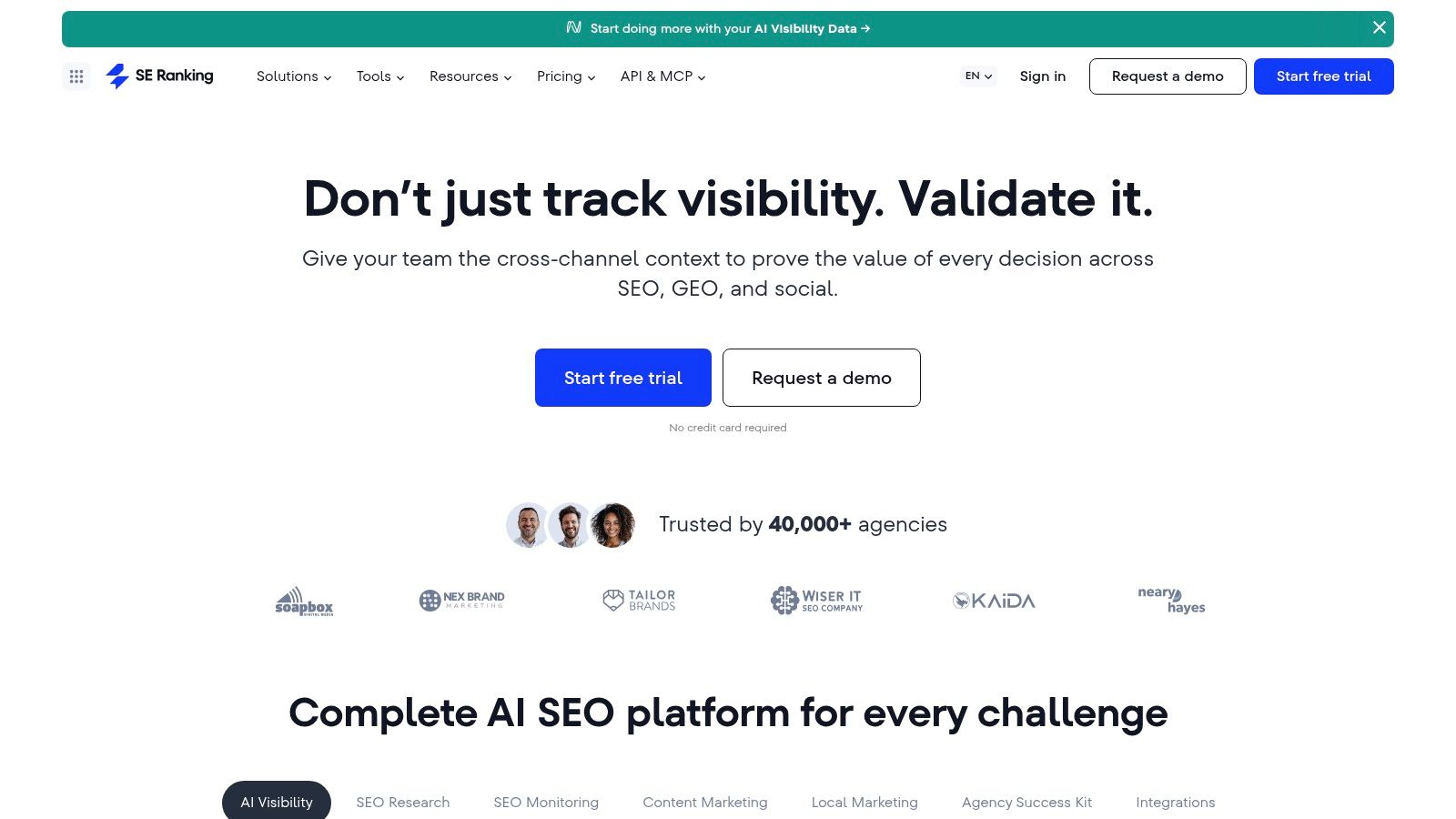
SE Ranking offers one of the more balanced choices for agencies that want rank tracking, audits, backlink monitoring, competitor research, and reporting in one platform. Its Report Builder, branded reports, white-label portals, guest links, Google Analytics and Search Console integrations, and Looker Studio connectors give agencies several ways to deliver updates.
The platform is particularly practical for local SEO teams that don't want to maintain a separate dashboard product for every client. A strategist can monitor rankings and technical issues inside the SEO platform, then use native reports or a Looker Studio connection when a client needs a more customized presentation.
A sensible all-in-one compromise
SE Ranking's advantage is not that it dominates every individual category. It's that it can cover much of the recurring agency workflow without forcing the team to combine several specialized products. That can simplify onboarding, reporting governance, and internal handoffs.
The trade-off is that agencies should verify current plan limits and add-on requirements before standardizing around it. Pricing and tiers changed in 2026, so the current account structure matters more than an older review or remembered plan comparison. Advanced integrations and API functionality may also require additional purchases.
For a service business, the reporting model should connect tracked rankings to landing-page traffic and lead activity. Use rank segments for service, location, device, and search feature where available, then compare them with organic sessions and conversion events. That makes the dashboard useful for deciding which service pages need content, technical, or conversion improvements.
SE Ranking is a strong middle ground for agencies that need more SEO depth than a pure reporting tool, but don't want the operational complexity of assembling a separate research, rank-tracking, and client-portal stack.
9. AccuRanker
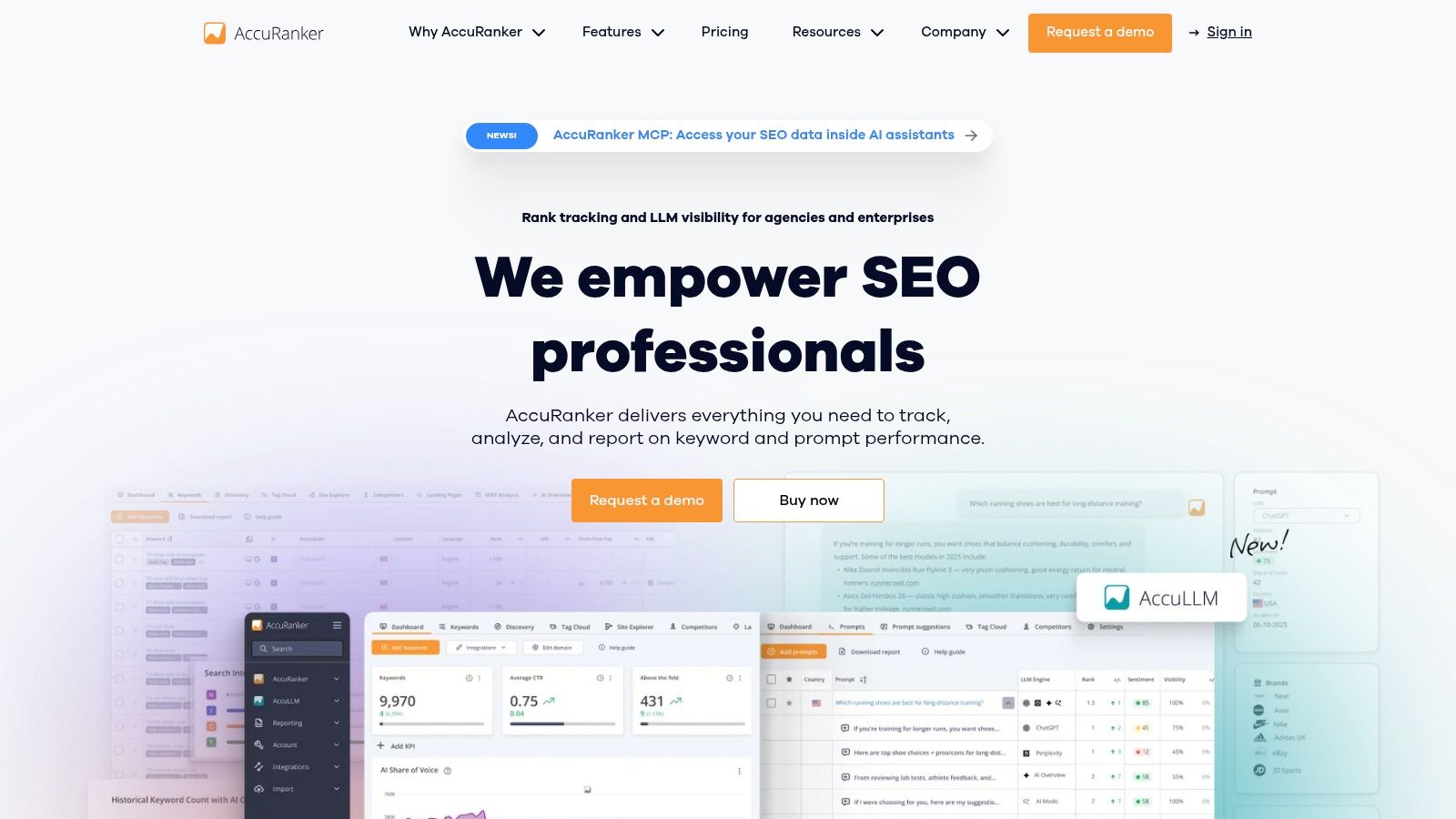
AccuRanker is the specialist option for agencies where rank tracking is the central reporting job. It supports high-frequency and on-demand refreshes, segmentation by tags and landing pages, SERP feature tracking, multiple search engines, shareable dashboards, scheduled exports, and white-label delivery.
That focus makes it useful for local and national campaigns with large keyword sets or clients who watch position changes closely. Agencies can organize terms by service, location, landing page, intent, or campaign, then report movement without mixing rank data into a broader dashboard that hides useful detail.
Accurate positions are still only a signal
Fast rank data helps the agency verify changes and investigate volatility. It doesn't prove that the client received more qualified leads. Position reports need to sit beside organic clicks, landing-page engagement, calls, forms, and CRM outcomes if the client's objective is lead generation.
AccuRanker's narrower scope is therefore both its strength and its limitation. It can provide a clean rank-tracking layer, but agencies still need a research and audit suite for backlink analysis, technical diagnosis, content gaps, and competitor investigation. Cost also scales with keyword volume, so the agency should define which terms deserve ongoing monitoring instead of tracking every possible query.
For local campaigns, segmentation is especially important. A report that combines all keywords into one average can hide the difference between a high-value service page and an irrelevant term. Use tags and landing-page groups to show whether the rankings that matter commercially are improving.
Agencies researching keyword opportunities for local SEO can use AccuRanker as the measurement layer after the target terms and locations have been selected.
10. BrightLocal
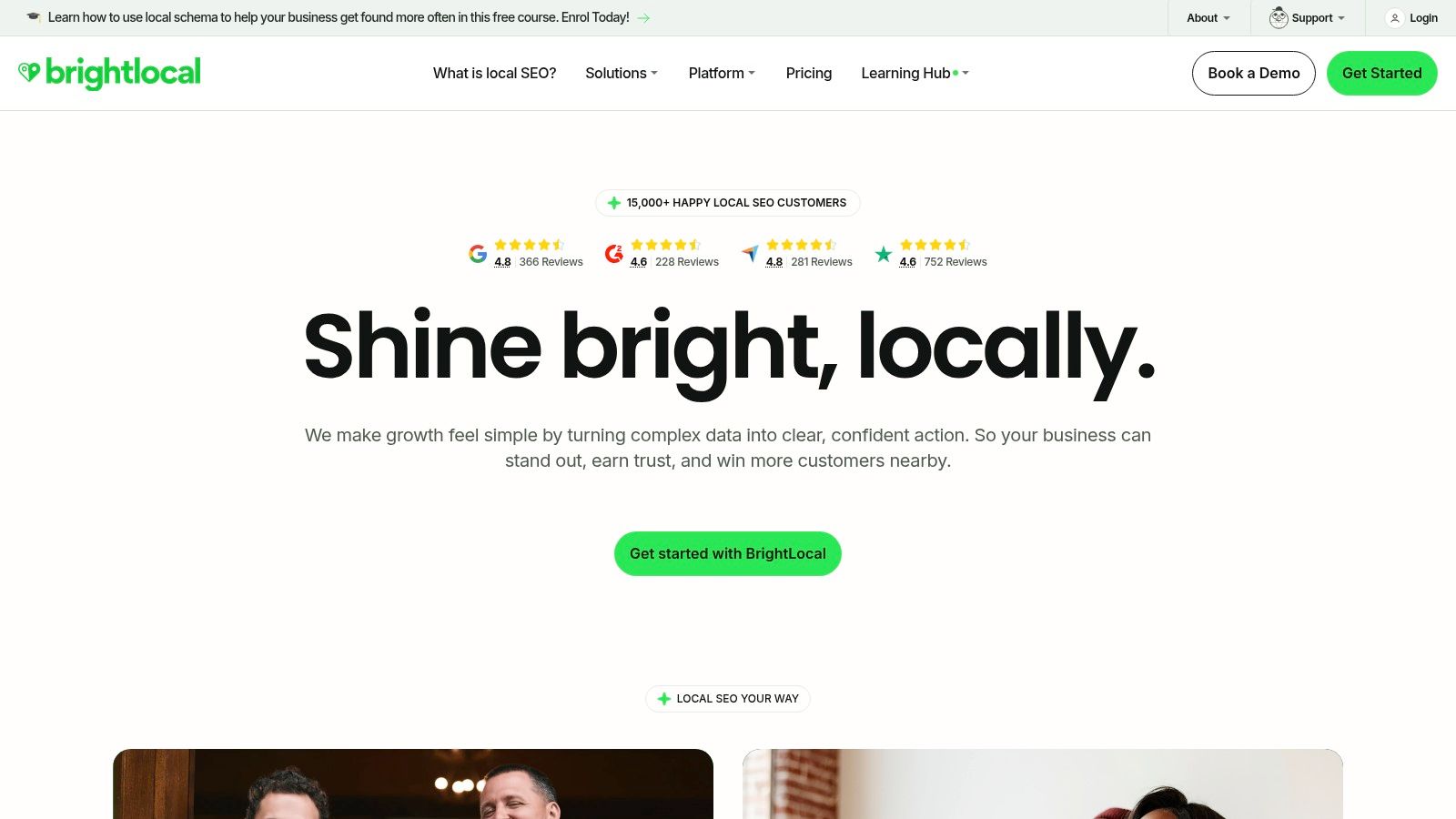
BrightLocal is built for local SEO visibility, making it a natural choice for law firms, dentists, roofers, HVAC companies, home-service businesses, and multi-location brands. Its local rank tracking, audits, listings, reputation tools, white-label dashboards, external share URLs, and multi-location roll-ups reflect how local campaigns are managed.
A multi-location agency can aggregate location performance while still reviewing individual markets. That's more useful than a single national visibility score when each office has different competitors, service priorities, review conditions, and local search results.
Best for local client conversations
BrightLocal's reporting is strongest when the client cares about map visibility, local rankings, listings consistency, reviews, and SERP features. Google Analytics integration can add website activity, helping the agency connect local visibility to organic sessions and client-share reporting.
The limitation is scope. BrightLocal is less useful for broad enterprise SEO research, large-scale content-gap analysis, or deep backlink investigation. Its reporting also works best with BrightLocal-native metrics, so blending extensive outside data may require another dashboard layer.
Local SEO reporting should avoid treating every location as interchangeable. A law firm may need separate views for practice areas and offices. A roofing company may care about service-area visibility, calls, and form submissions more than a broad traffic total. BrightLocal gives the agency the local structure, but the agency still needs a clear lead taxonomy and reliable call and form tracking.
For teams improving local visibility alongside website and conversion work, local map optimization should be reported as part of the path to inquiries, not as an isolated ranking exercise.
Top 10 SEO Reporting Dashboards Comparison
| Tool | Primary focus | Standout features ✨ | UX / Quality ★ | Value & pricing 💰 | Ideal audience 👥 & USP 🏆 |
|---|---|---|---|---|---|
| Looker Studio (Google) | Free/scaleable dashboard builder | ✨ Native GA4/GSC, partner connectors, scheduled delivery | ★★★☆, highly flexible | 💰 Free core; connector/Pro costs possible | 👥 Agencies wanting custom dashboards; 🏆 Ubiquity & flexibility |
| AgencyAnalytics | Turnkey agency reporting & client portal | ✨ 80+ integrations, white‑label, rank tracking | ★★★★, fast to deploy, client‑friendly | 💰 Mid; per‑client/add‑on costs at scale | 👥 SEO/web agencies needing single‑login portals; 🏆 Agency‑ready white‑label |
| Databox | BI/executive dashboards & blended metrics | ✨ 130+ integrations, goals/alerts, AI summaries | ★★★★, polished cross‑channel rollups | 💰 Scales with sources & add‑ons | 👥 Execs & agencies needing blended KPI views; 🏆 AI summaries & executive rollups |
| DashThis | Flat‑pricing dashboard reporting | ✨ Unlimited users, flat pricing by dashboards, white‑label | ★★★☆, quick monthly reports | 💰 Predictable (dashboard‑based) pricing | 👥 Agencies wanting simple monthly SEO reports; 🏆 Cost predictability |
| Whatagraph | Presentation‑focused automated reporting | ✨ Executive templates, scheduled automation, white‑label | ★★★★, high presentation quality | 💰 Pricing tied to data sources; can rise | 👥 Teams prioritizing polished client reports; 🏆 Fast, presentation‑ready output |
| Semrush (My Reports + Projects) | Research + branded reporting | ✨ Combine Semrush data with GA4/GSC, templates & scheduling | ★★★★, strong contextual insights | 💰 Add‑ons for white‑label; best if on Semrush already | 👥 Teams already using Semrush; 🏆 Unified research + reporting |
| Ahrefs | Backlink & competitive research with reports | ✨ Large backlink index, Rank Tracker, Site Audit | ★★★★, deep technical & competitive insights | 💰 Premium subscription | 👥 Agencies focused on links/competitive analysis; 🏆 Best backlink intelligence |
| SE Ranking | Cost‑effective all‑in‑one SEO + reporting | ✨ Automated branded reports, white‑label portals, Looker connectors | ★★★☆, good depth for price | 💰 Value‑oriented; verify 2026 tier changes | 👥 Local SEO agencies & SMBs; 🏆 Balance of features and price |
| AccuRanker | Enterprise‑speed rank tracking | ✨ Instant refreshes, segmentation, white‑label exports | ★★★★, very fast & accurate rank data | 💰 Costs scale with keyword volume | 👥 Campaigns where rank is core KPI; 🏆 Speed & precision |
| BrightLocal | Local SEO, listings & reputation | ✨ Local rank tracking, multi‑location rollups, share URLs | ★★★★, tailored for local KPIs | 💰 Local‑focused pricing; white‑label on plans | 👥 Multi‑location/service clients (law/dental/home); 🏆 Local SEO specialization |
Choose the Reporting Layer That Matches the Work
There isn't one best SEO reporting dashboard for every agency. The right choice depends on whether the primary job is flexible data assembly, client presentation, research depth, rank tracking, or local visibility.
Choose Looker Studio when flexibility and a no-cost foundation matter. It's the most adaptable option for agencies that can manage connectors, definitions, filters, and maintenance. Its strength is control, but that control creates responsibility. Someone must own the data model and prevent the dashboard from becoming overloaded.
Choose AgencyAnalytics or DashThis when agency delivery, white-labeling, scheduled reports, and client usability are the priority. AgencyAnalytics is better suited to a broader agency portal with rankings, local data, call tracking, and account organization. DashThis is attractive when predictable dashboard-based pricing and quick monthly rollouts matter more than research depth.
Choose Databox or Whatagraph for executive-friendly blended reporting. Databox is the stronger fit when SEO must sit beside CRM and lead metrics. Whatagraph is a better match when presentation quality and automated report production are the main operational concern.
Choose Semrush or Ahrefs when research context drives the client conversation. Semrush fits agencies that want integrated keyword, competitor, audit, and reporting workflows. Ahrefs is especially useful when backlink intelligence and competitive diagnosis are central. Neither should automatically be treated as a complete white-label client portal.
Choose SE Ranking for an all-in-one balance of monitoring, research, and reporting. Choose AccuRanker when rank-tracking depth, segmentation, and refresh speed are the core requirement. Choose BrightLocal when the campaign lives in local search, especially across multiple locations.
The dashboard itself is only one part of the reporting system. Google Search Console retains a rolling 16 months of performance data, and older data is deleted, so agencies need to export or store history elsewhere for longer comparisons, as documented in Google Search Console's data limitations. A dashboard that displays current data without preserving historical context can't support durable trend analysis.
GA4 also has reporting limits. Standard properties can encounter sampling in Exploration reports when a query processes more than 10 million events, while GA4 360 uses a threshold of 1 billion events. Standard reports have a 50,000-row table limit, and Exploration reports or standard reports with secondary dimensions or comparisons can return up to 2 million rows, according to this GA4 sampling and cardinality explanation. Those constraints should appear in the agency's documentation when they affect interpretation.
Before adopting a platform, use this operating checklist:
- Define the audience: Decide whether the primary viewer is an owner, executive, marketing manager, strategist, or technical SEO.
- Select a small metric set: Keep executive attention on the few KPIs that influence decisions, then place diagnostics elsewhere.
- Connect every metric to a business question: Explain what action a change in rankings, clicks, sessions, calls, forms, or qualified leads should trigger.
- Document sources and limitations: Record connector refresh schedules, attribution rules, sampling risks, missing history, and CRM definitions.
- Review the complete story: Rankings, organic traffic, and lead activity should form a coherent narrative. If they don't, investigate tracking, search intent, landing-page quality, and lead qualification before declaring success or failure.
For service businesses, the most useful dashboard usually combines search visibility, organic sessions, calls from organic, form submissions from organic, qualified leads, and signed work. That structure keeps SEO accountable to the client's commercial reality without pretending that every conversion can be assigned perfectly to one channel.
Digital Skyrocket plans, builds, and optimizes lead-generating websites for law firms, dentists, roofers, HVAC companies, and other service businesses, with reporting that connects rankings and organic traffic to calls, forms, qualified leads, and signed work. Visit Digital Skyrocket to discuss a website and ongoing SEO workflow built around clearer search visibility and better lead reporting.